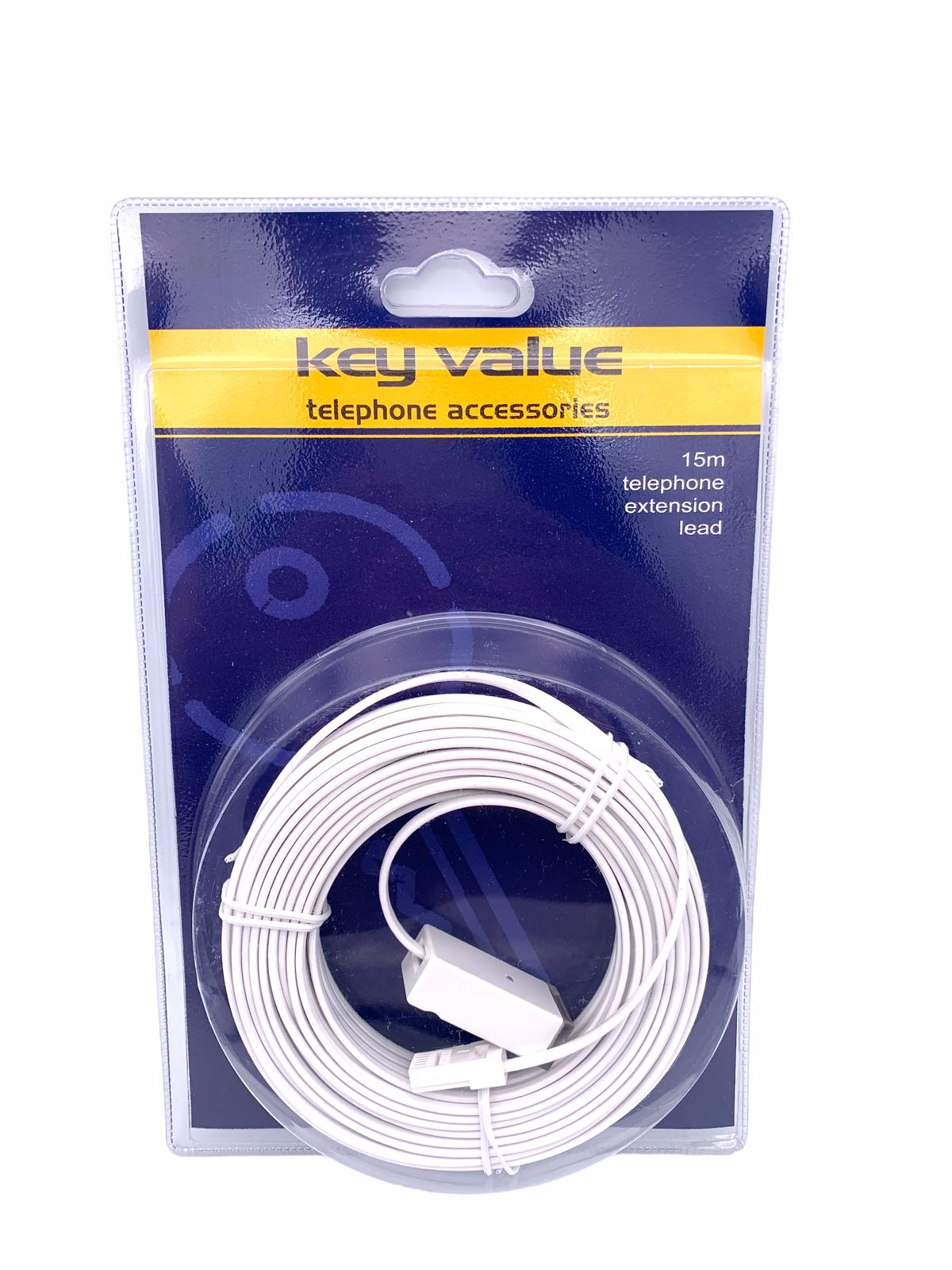
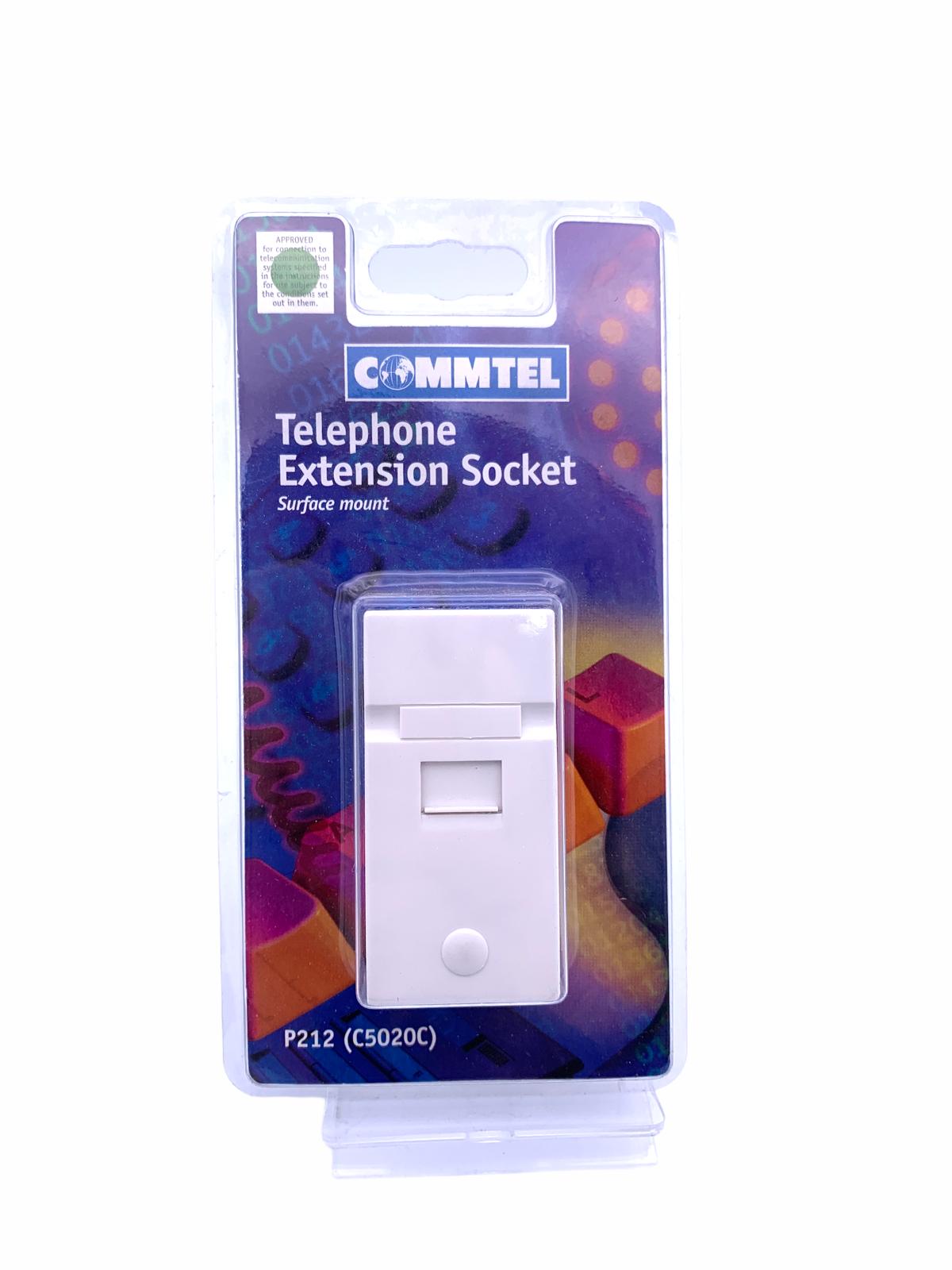
. COMMTEL Telephone Extension Socket INSTRUCTIONS 1. Remove bung and screw from socket cover. Lift off socket cover from back plate. 2. As required, remove cable entry/exit points from back plate. 3. Pass cable through back plate from rear to front. 4. Using two counter sunk head screws No.6 x %”, mount socket in desired position. Do not overtighten screws. 5. Strip outer sheath from cable without cutting inner cores. Strip inner cores and connect in accordance with colour code. Note: It is normal to only have four wires on domestic installations. 6. Do not run wires tightly stretched to connection have to be removed and connection re-made. 7. Replace front cover. 8. For continued satisfactory operation ensure that no more than 4 pieces of apparatus with REN 1 are connected to your system. CABLE ENTRY POINTS case they SUGGESTED COLOUR CODE GREEN WHITE BLUE WHITE WHITE ORANGE WHITE BLUE SKU: 9748793 Categories: All Other Accessories, Smart Phones & Tablets Tags: C5020C, COMMTEL, Extension Socket, Telephone Accessories